SMS & Email Notifications
Receptify lets business owners opt in to SMS and email notifications whenever an appointment is booked through their AI receptionist — so you never miss a new booking, even when you're on the job.
How it works
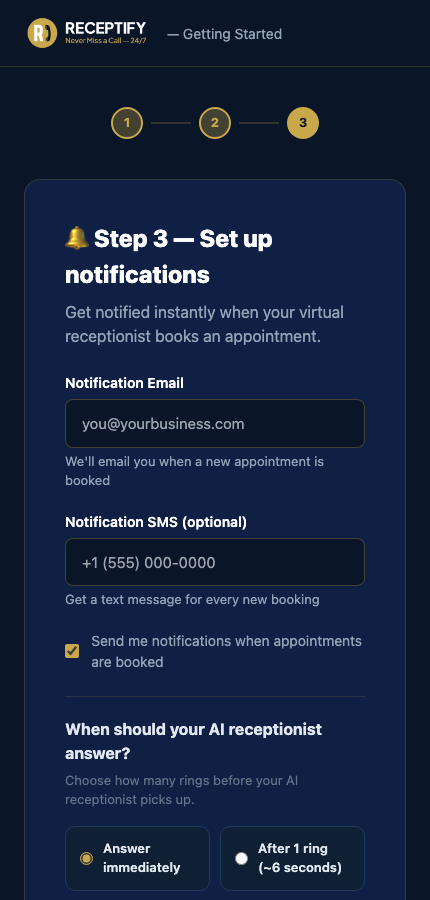
Step 3 — notification setup during onboarding.
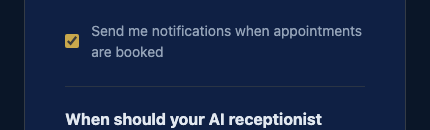
Opt-in checkbox — off by default, owner must enable.
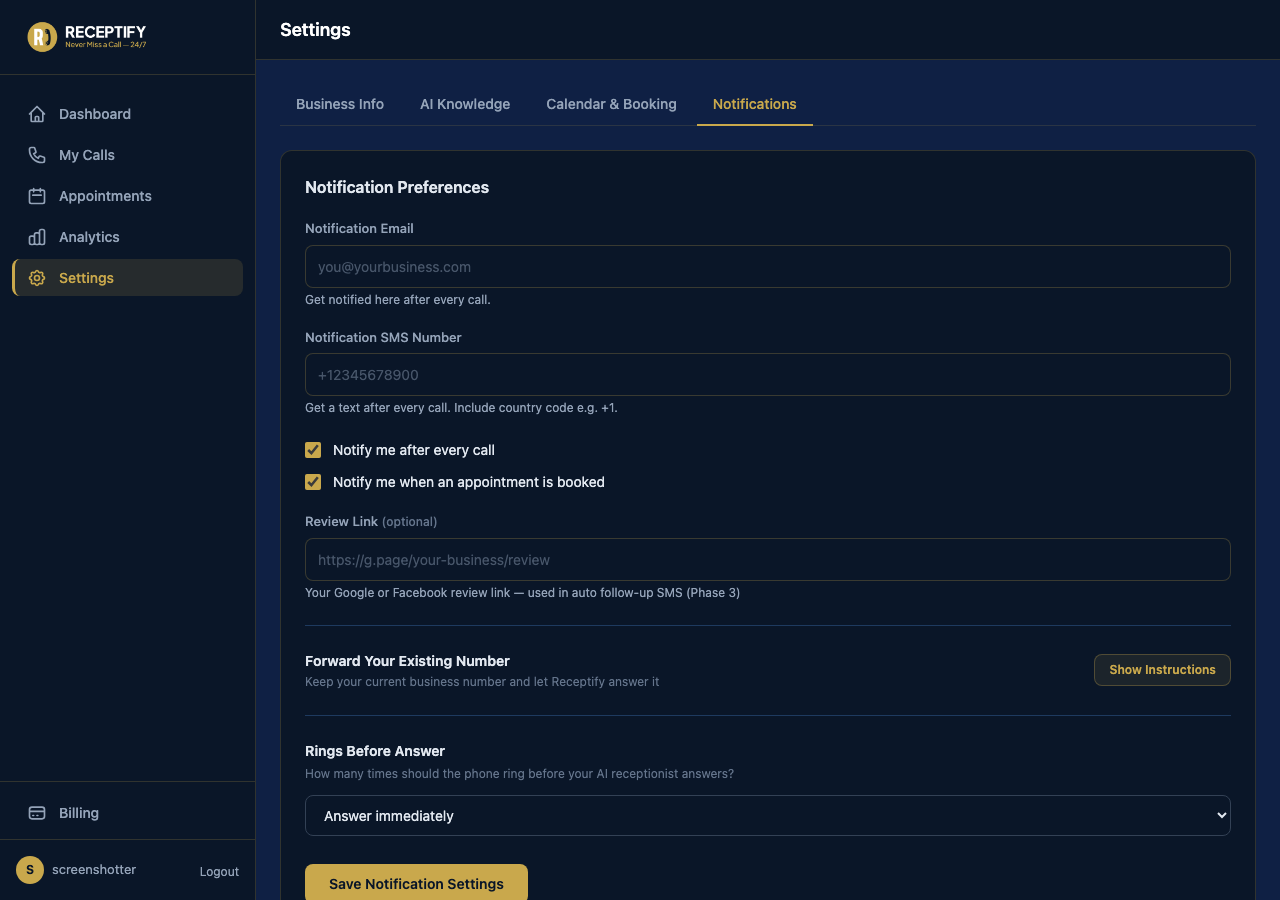
Notifications tab in Settings — business owners can update their preferences at any time.
Notification options
- Email notifications — enter the email address where booking confirmations should be sent.
- SMS notifications (optional) — add a mobile number to receive a text message each time an appointment is booked.
- Opt-in checkbox — notifications are off by default. Business owners turn them on by checking "Send me notifications when appointments are booked."
- Notification settings can be updated at any time from the Settings page inside the dashboard.
Message and data rates may apply. Message frequency varies. Text STOP to opt out. Text HELP for help.